
You can wake up tired after eight hours in bed and still have no clue what went wrong. That gap between how long you slept and how rested you feel is where sleep tracking apps can help.
If stress, light sleep, or middle-of-the-night wakeups keep throwing you off, these apps can turn rough nights into patterns you can spot. They aren’t medical tools, and they won’t solve insomnia on their own. Still, they can give you a clearer picture, so you can make calm, useful changes instead of guessing.
Key takeaways from sleep tracking apps benefits
The biggest sleep tracking apps benefits come from pattern spotting, not chasing a perfect score.
- Apps can reveal trends in bedtime, wake time, total sleep, and habits linked to worse nights.
- Most tools work best when you review data over one to two weeks.
- Better sleep usually comes from pairing the app with a steady routine, not from the app alone.
- Your app is a guide, not a diagnosis tool, so use it to support habits, not fuel worry.
What sleep tracking apps actually measure, and what they can miss
Most sleep apps estimate sleep through movement, sound, heart rate, or data from a wearable. In other words, they don’t truly “see” your sleep the way a sleep lab can. They make educated guesses based on signals your body gives off during the night.
That can still be useful. If your phone notices restless movement, late bedtimes, or frequent wakeups, you may finally see why mornings feel rough.

The most common sleep data points you will see each morning
Most apps show a handful of numbers. Total sleep time tells you roughly how long you slept. Sleep onset estimates how long it took to fall asleep. Wakeups can hint at broken sleep, even if you don’t remember every one.
Many apps also guess sleep stages, such as light, deep, and REM sleep. Treat these as rough estimates, not exact measurements. A sleep score rolls several signals into one simple number, which can be handy, but it can also oversimplify your night.
Some tools track bedtime consistency, which is often more useful than people expect. Others add heart rate, snoring, or sound recordings. Those can be especially helpful if stress, alcohol, congestion, or a noisy room may be part of the problem.
Why your app’s numbers are helpful, but not the full story
Sleep data can shift for reasons that have nothing to do with a major sleep problem. Alcohol can make your sleep look restless. Stress can keep your heart rate higher. A warm room, a pet in bed, illness, or even where you place your phone can skew the numbers.
So don’t panic over one ugly report.
One bad night of data is weather. One to two weeks of data is climate.
That’s the smarter way to use these tools. Look for repeat patterns. If short nights keep showing up after late coffee or doomscrolling, that’s worth your attention. A single low score after a hard day at work usually isn’t.
How to use sleep data to find the habits that hurt your rest
Once you stop treating the app like a judge, it becomes more useful. Now you’re not asking, “Did I sleep perfectly?” You’re asking, “What keeps showing up before my rough nights?”
That shift matters, especially if you struggle with insomnia. It turns sleep into an experiment, not a test.
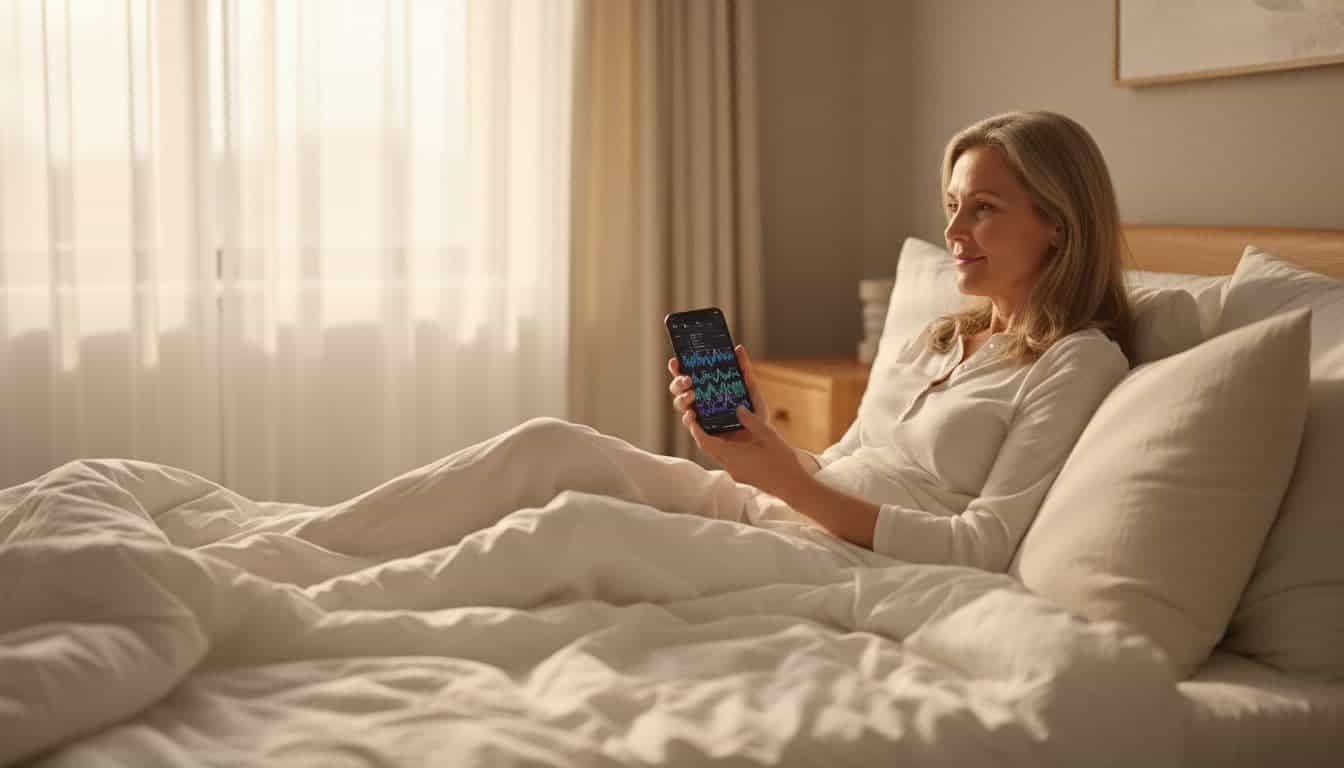
Match your sleep patterns with caffeine, screens, stress, and late meals
Most apps let you add notes, tags, or short diary entries. Use that feature. It can connect your sleep report with what happened before bed.
For example, tag nights when you had coffee after lunch, worked late, drank alcohol, ate a heavy meal, took a long nap, or felt wound up. After a week or two, you may see links that weren’t obvious before. Maybe your worst nights follow scrolling in bed. Maybe two glasses of wine help you fall asleep faster, but you wake at 3 a.m.
Those are the real sleep tracking apps benefits. They help you spot cause and effect in your own life.
Look for bedtime consistency before chasing perfect sleep scores
A lot of people get stuck on deep sleep minutes or nightly scores. Yet a steadier bedtime and wake time often matter more. Your body likes rhythm. If you go to bed at 10:30 one night and 1:00 the next, your sleep may feel choppy even if the total hours look okay.
This is extra important for people with insomnia. When every number feels loaded, sleep can start to feel like a performance review. A more helpful goal is simple consistency. Try keeping your wake time steady first. Then aim for a narrow bedtime window, even on weekends.
That kind of regularity often beats score chasing.
Simple ways to improve your rest with what your app teaches you
Once patterns start showing up, keep your next step small. You don’t need a full life overhaul. One change, repeated for several nights, tells you far more than five changes at once.
That’s how data becomes useful instead of noisy.

Build a small evening routine based on your real sleep patterns
If your app shows long sleep onset, your wind-down may need work. Start with 20 to 30 minutes of low-stimulation time before bed. Dim the lights. Put your phone away earlier. Read a few pages, stretch, take a warm shower, or try a short breathing exercise.
Keep it easy. A good routine should feel like a soft landing, not another task list.
If stress is your main trigger, repeat the same calming steps nightly. Your brain learns through repetition. Over time, those cues can help shift you out of alert mode.
Use your app to test sleep-friendly changes without overcomplicating things
Pick one thing to test for three to seven nights. Lower the room temperature a bit. Try blackout curtains. Add white noise. Cut off caffeine earlier. Move dinner back. Then look at the trend, not one night.
This approach makes the data easier to trust. If you change everything at once, you won’t know what helped. If you test one variable at a time, patterns become clearer.
Simple beats perfect here. Sleep usually improves through steady habits, not dramatic hacks.
Common mistakes that can make sleep tracking apps more stressful than helpful
Tracking can backfire when it makes you focus on sleep too much. Some people become so fixed on “performing well” at night that the pressure itself keeps them awake. That’s often called sleep performance anxiety.
The goal is better rest, not better stats.
When tracking starts to fuel anxiety instead of better sleep
There are a few warning signs. You check your score before noticing how you feel. A dip in deep sleep ruins your mood. You change routines every night because the numbers wobble. You spend more time thinking about sleep than recovering from it.
If that sounds familiar, pull back. Your daytime energy, mood, and focus still matter. A decent day after a mediocre score means the score isn’t the whole story.
A healthy way to track sleep without becoming obsessed
Try checking your trends once or twice a week instead of every morning. Pair the app with a tiny journal. Write down your energy, stress, and mood in one sentence. That extra context often tells you more than the chart alone.
If tracking starts to create pressure, take a break for a few days. Sleep works best when you give it some space.
How to choose the best sleep tracking app for your needs
The best app is usually the one you’ll keep using. Fancy graphs don’t help much if the interface feels confusing or the device annoys you at night.
For most people, clear trends beat extra features.
Features that matter most if you struggle with insomnia
Look for a simple sleep diary, bedtime reminders, trend reports, and a place to log triggers. Sound or snore detection can help if nighttime noise may be part of the issue. Wearable support may help if you want heart rate or more consistent overnight tracking.
Still, don’t assume more data means more insight. A clean app with notes and basic trends often works better than a busy dashboard full of numbers you won’t use.
When it makes sense to talk to a doctor instead of relying on an app
Apps can raise awareness, but they can’t rule out sleep disorders. See a doctor if you have loud snoring with choking or gasping, breathing pauses, severe daytime sleepiness, ongoing insomnia, or symptoms like crawling or twitchy legs at night.
Those are signs that you may need proper medical help. An app can support the conversation, but it shouldn’t replace care when symptoms are strong or persistent.
FAQs about sleep tracking apps and better rest
Are sleep tracking apps accurate?
They can be useful for trends, but they aren’t as accurate as a sleep lab. Treat the numbers as estimates.
Can sleep tracking apps help with insomnia?
They can help you spot habits that may be making insomnia worse. They can’t diagnose or cure insomnia on their own.
How long should you track sleep before making changes?
Give it at least one week, and two is often better. That gives you enough data to see patterns.
Are wearables better than phone apps?
Sometimes, yes, especially for heart rate and overnight movement. Still, a phone app can be enough if you want simple pattern tracking.
Start small, then let the pattern speak
The best sleep tracking apps benefits come from learning your rhythm, not from chasing perfect sleep. When you use data to support small changes, bedtime starts to feel less mysterious and less stressful.
Track for one week. Then test one evening habit change at a time. That quiet, steady approach often teaches you more than any score ever will.